
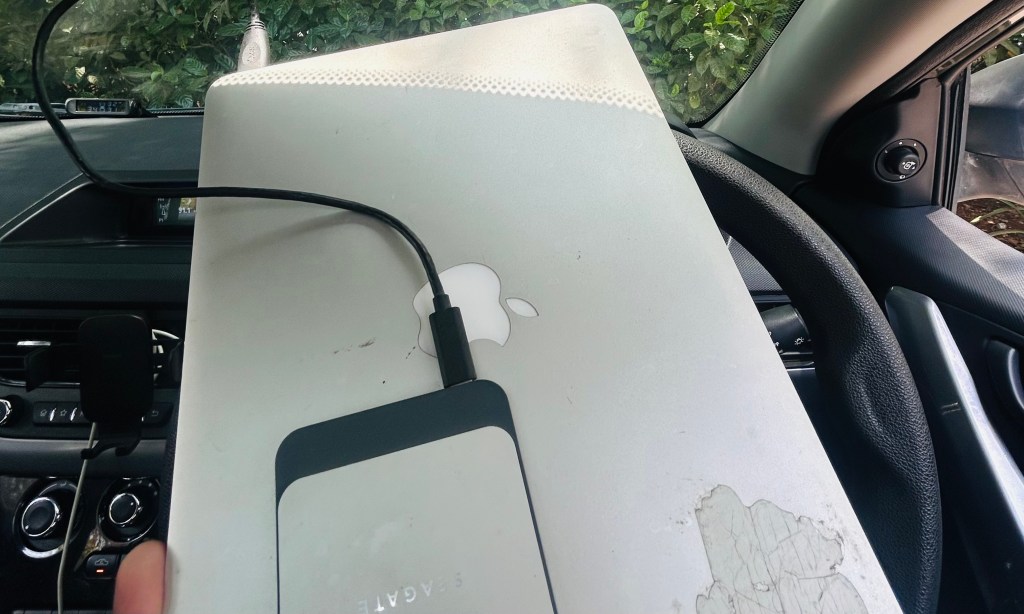
Or rather, laptop isn’t where I do all my work anymore..
I’m gonna start this with a question, and I’d like you to pause for 10 seconds and think about it before you proceed to read the rest of this post. What if your most valuable work today happened away from your laptop?
Recently, a lot of my valuable work has happened away from my laptop, in fact – the most valuable one in recent times has happened during rest times in between my workouts at the gym.
I recently moved to a new role of AI Enablement at Automattic and as a part of it, I needed to do handovers for two teams, for over a dozen direct reports. Now, I have done team handovers in the past too, and generally it takes up a couple of days to work through it all. That’s because the context is scattered everywhere, from meeting notes, my own notes, weekly updates, feedback threads, 1:1 notes and such.
But this time, it was different. I spent 30 minutes at my desk pulling inputs together (using a bunch of MCPs and tools we have access to at Automattic), those got added to my notes app (Obsidian) along with details on what I needed, what formatting I wanted, what things to pay more attention to and what to look out for.
I then connected with my always-on agent (on a separate computer, more on that in a bit), told it what I needed – and headed off to the gym.
My agent got to work, reached out to me on Telegram when it needed my input, I replied to it in between my workout sets, and by the time I got back to my desk – 80% of handover was already done. I then mostly just needed to trim and add my own flavour and nuances – that took a couple of hours and the entire handover, for all team members, was literally done (even my mind was 🤯).
A bit about the always-on agent..
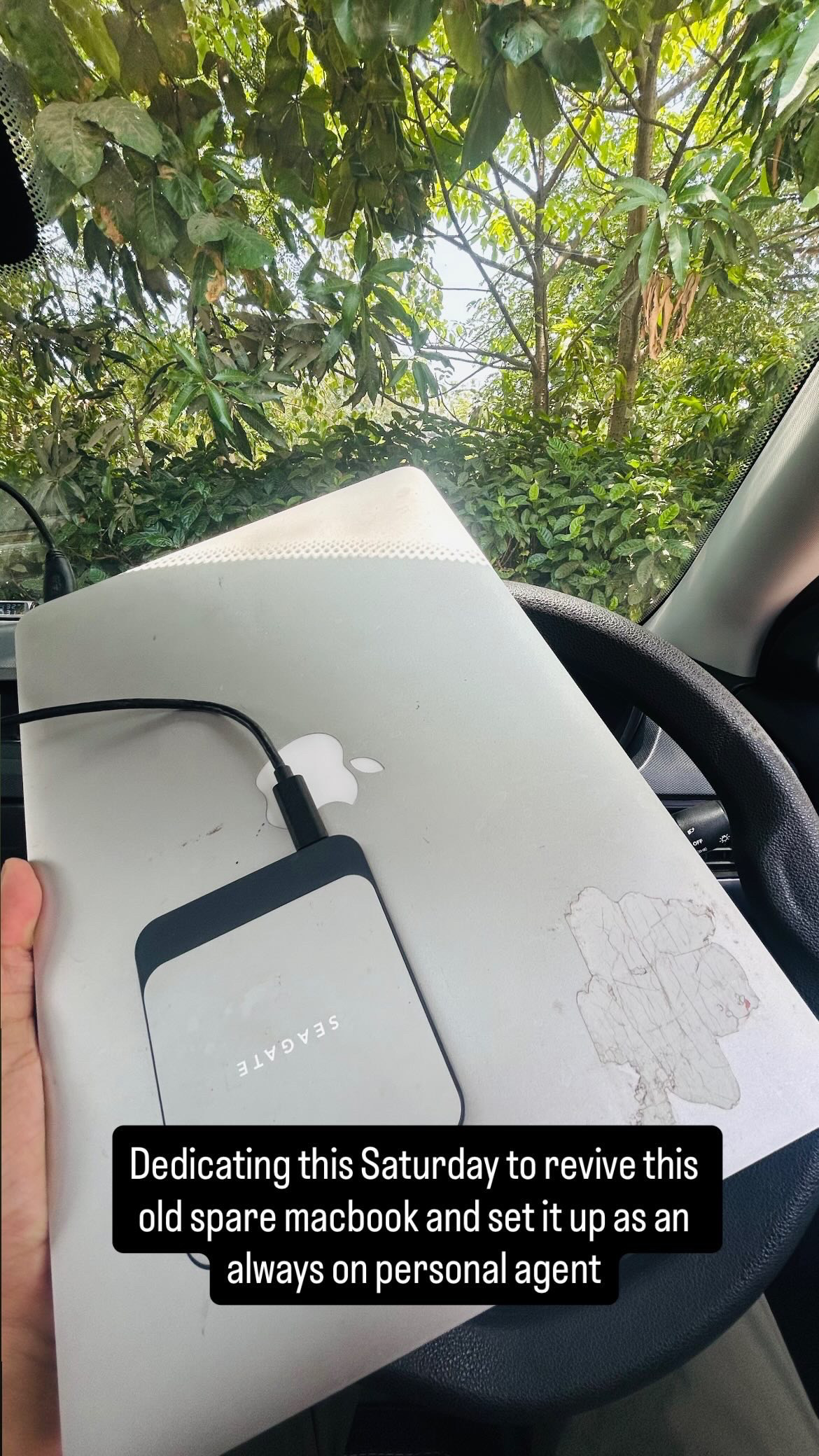
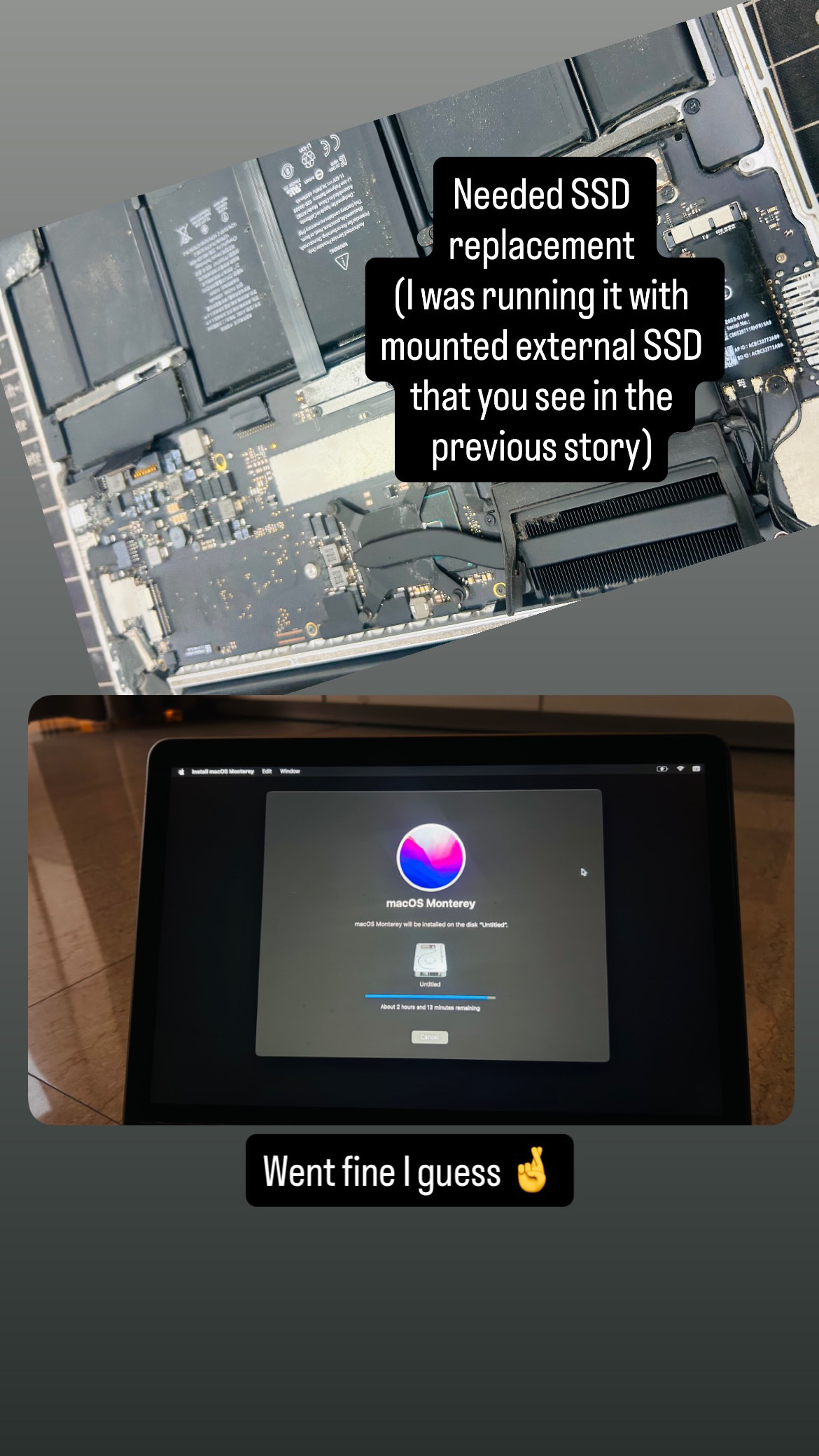
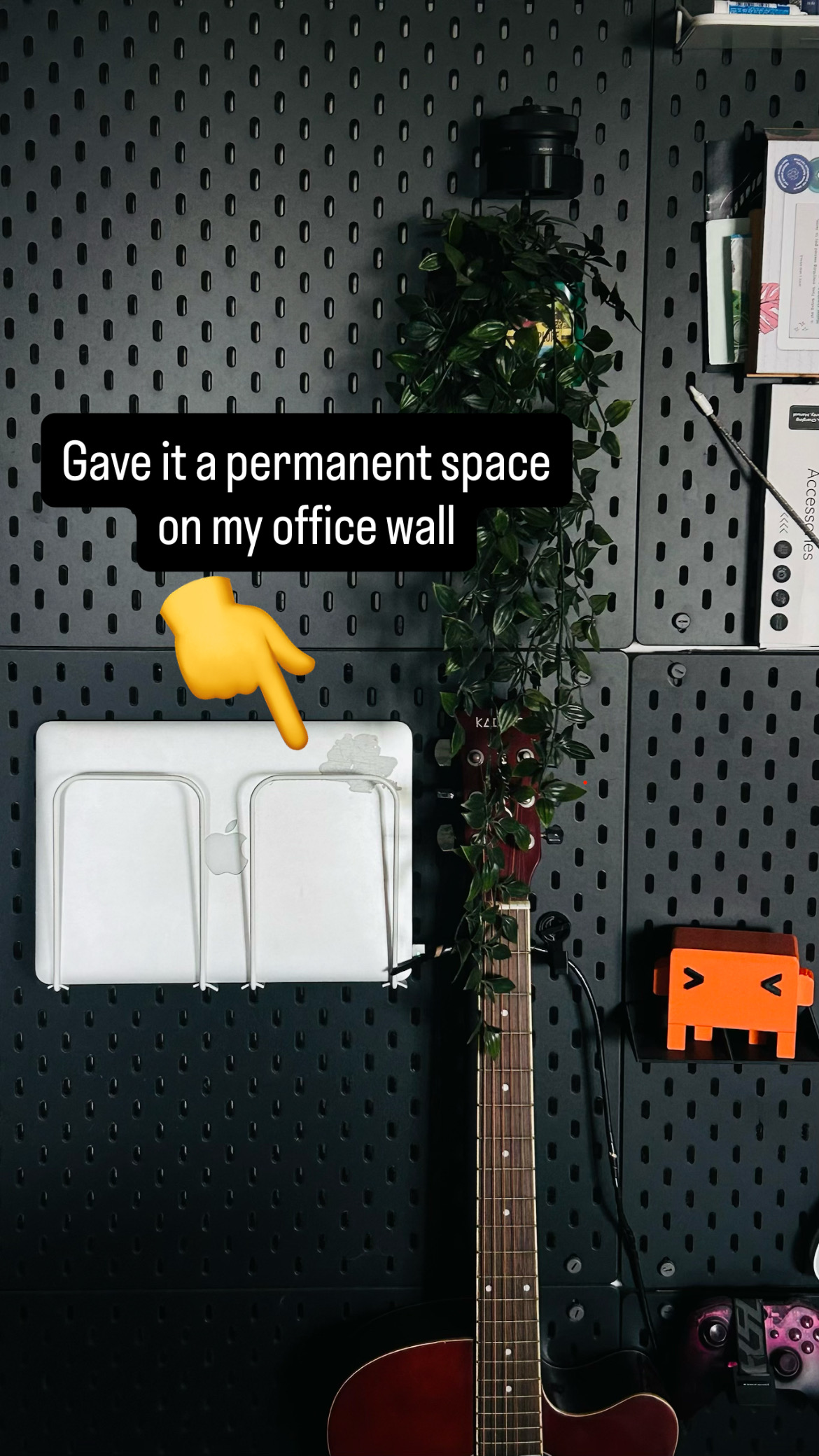
I recently revived my dead 2015 MacBook. It had a dead battery and a dead SSD that needed replacement. Once done, I set it up with Hermes agent, if you haven’t checked it out yet, I recommend you do – I can go on and talk about it for like an hour but to save everyone time – I’d say its one of the most refined agents I’ve tried so far. It’s not a competition for Claude Code or Codex, think of Hermes as your “operational AI layer”, it has persistent memory so you can chat all you want in the same Telegram window like you’re chatting to another person – it will take care of remembering the important bits and most of all, it auto-improves the skills based on your usage.
Anyways, here’s the story of its revival in four pictures (from my Instagram story):
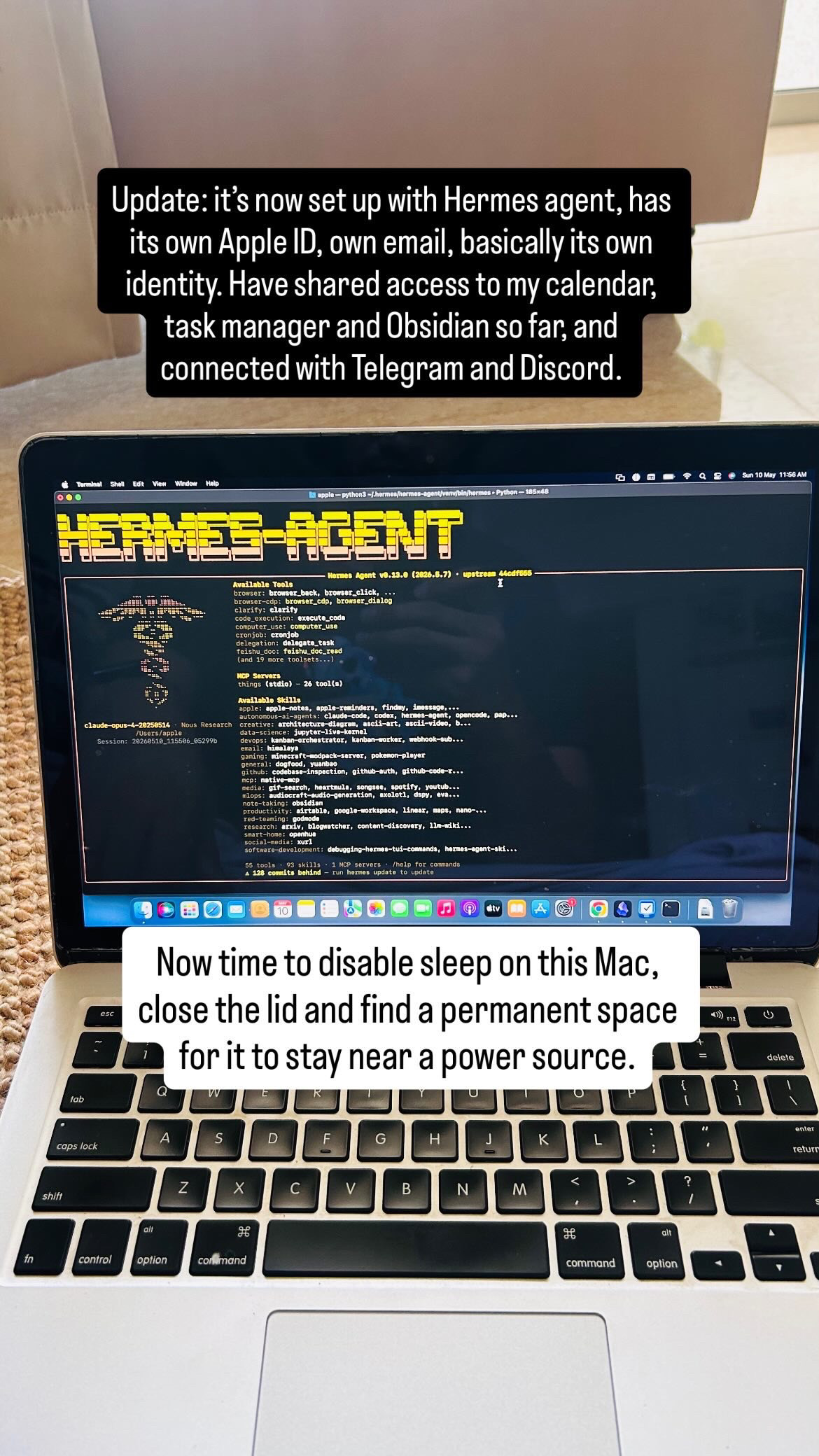
The agent currently has limited access, it can access my task manager, calendar and notes. I find that’s enough for me to hand-over admin tasks and some operational tasks without worrying about things that can go wrong when using a fully autonomous agent (at max, it can mess up my Obsidian and Task Manager in which case, both are backed up! For calendar, it only has read access at the moment so it can help me plan my day and find any conflicts.)
Apart from Telegram, it’s also connected to my Discord. I find managing it easier on Discord when on my computer and using Telegram when I’m on the go. I have multiple channels in Discord where Hermes and I collaborate on different things:
- A work planner: Hermes looks at my task manager, upcoming deadlines, my calendar and my notes for priorities (I maintain project priorities in a note in Obsidian and Hermes has that context). It then approximates the time each task would take (I keep telling it that “doing X took me Y hours today” so it learns to approximate the time better), suggests me how I should organise my calendar and also suggests a time for fitness routine in between my calls. Handing of that decision of when I should get up and go to the fitness center has been an unlock in terms of keeping up with the routine.
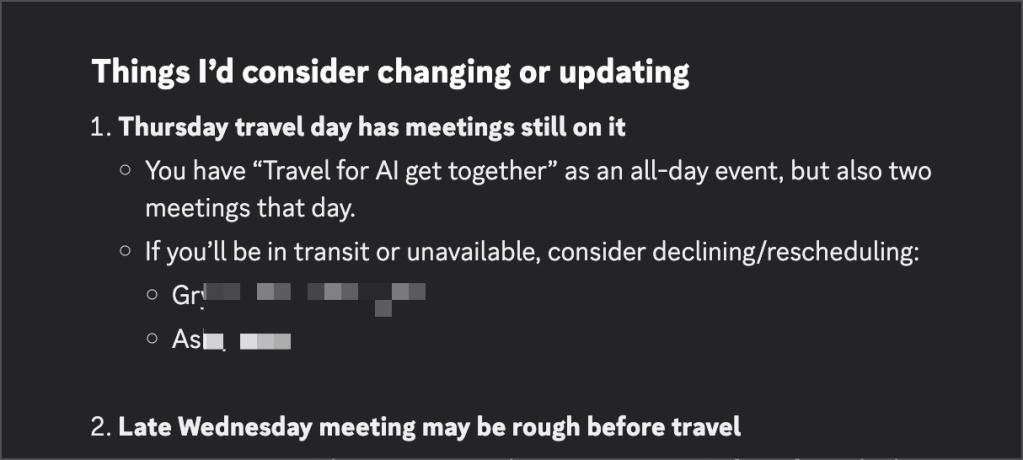
- It also flags anything that looks off, such as this calendar conflict that I hadn’t paid attention to!
- AI-enablement-exploration: I’m exploring a lot of things related to my AI Enablement role, and this is a channel where I collaborate with Hermes on it. There have been posts and podcasts with really good insights I wouldn’t have come across but Hermes found them and surfaced.
- Design-and-presentations: I recently had to prepare a presentation for townhall. Now you know where most of that collab happened.
- Deep-work: You know, for deep work.
BTW, it’s preferred to set it up on an always-on machine so you can reach your agent from anywhere, but you don’t necessarily need a separate always-on spare computer for it (you can set it up on a VPS too). A spare Mac just has a slight edge in terms of ease of setup and local MCPs to apps you want to give it access to.
This is an observation, not an advocacy
I know what I described above won’t be appealing to everyone, and I totally respect that. These are changing times, and I don’t know if any of us know what the future would really look like.
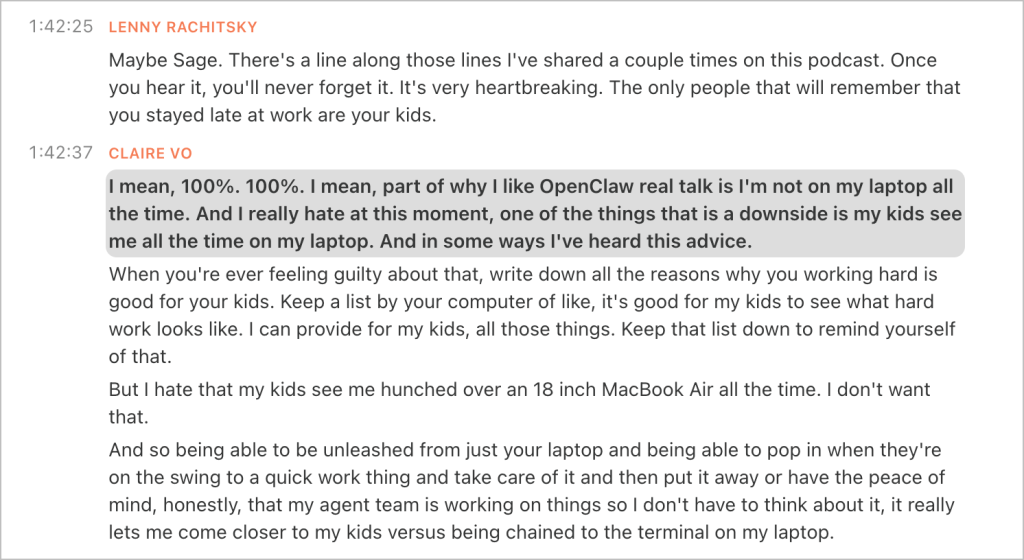
In fact, it would be totally fair to push back on the idea of work spilling over to rest time between workout sets or during walks and that impacting work-life balance – I totally agree. What I’m sharing here is what I’m experiencing and what I’m observing in shift of things. And I believe some other folks are experiencing it too. For example, here’s an excerpt from Lenny’s podcast episode with Claire Vo, you can read the screenshot for full context or listen to the podcast, but I’m also copy-pasting the relevant bits:
Lenny: The only people that will remember that you stayed late at work are your kids.
Claire: I mean, 100%. 100%. Part of why I like OpenClaw real talk is I’m not on my laptop all the time.
I hate that my kids see me hunched over an 18 inch MacBook Air all the time. I don’t want that.
And so being able to be unleashed from just your laptop and being able to pop in when they’re on the swing to a quick work thing and take care of it and then put it away or have the peace of mind, honestly, that my agent team is working on things so I don’t have to think about it, it really lets me come closer to my kids versus being chained to the terminal on my laptop.
I’ve been conflicted as well. On one hand, the idea of work spilling over to gym time, or during walks had me at unease. On the other hand, those couple of minutes to “manage my agents here and there” have freed up quite a lot of cognitive load – something I couldn’t have believed until I experienced it.
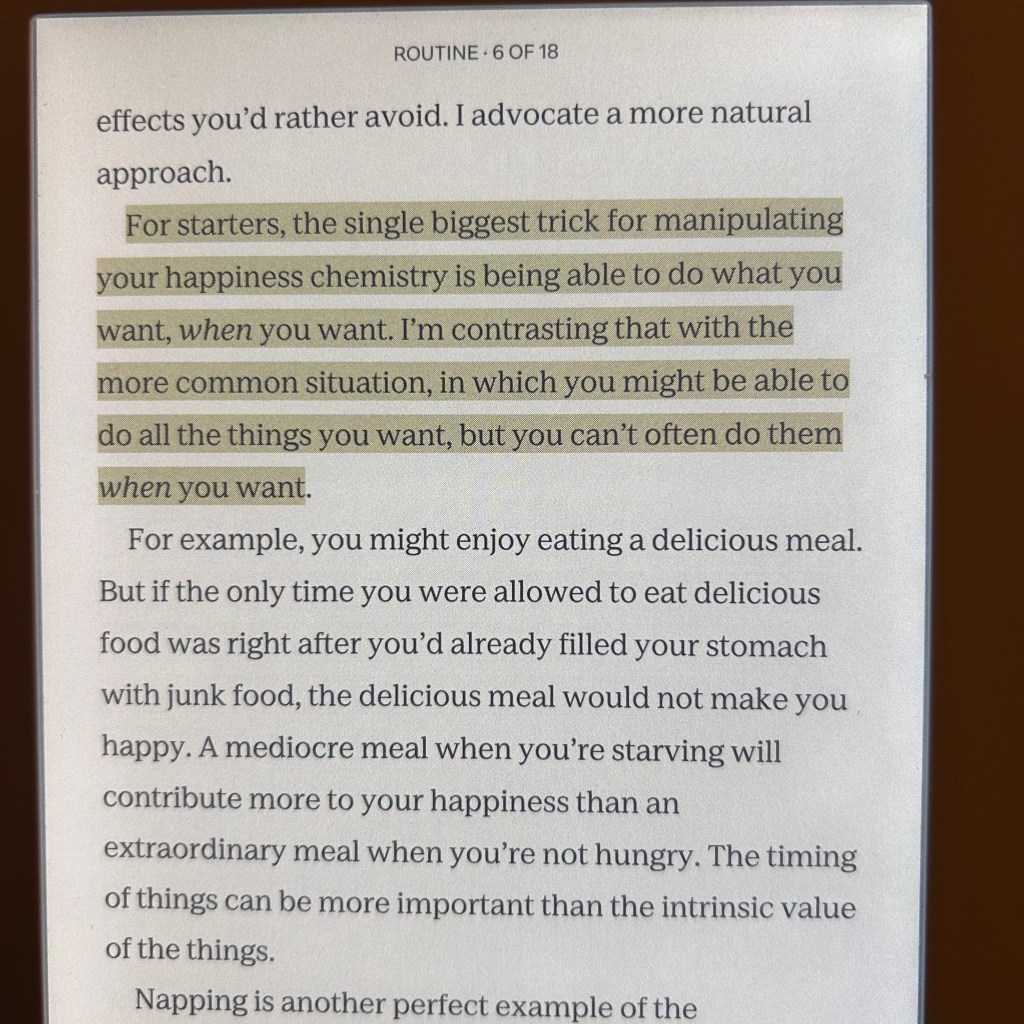
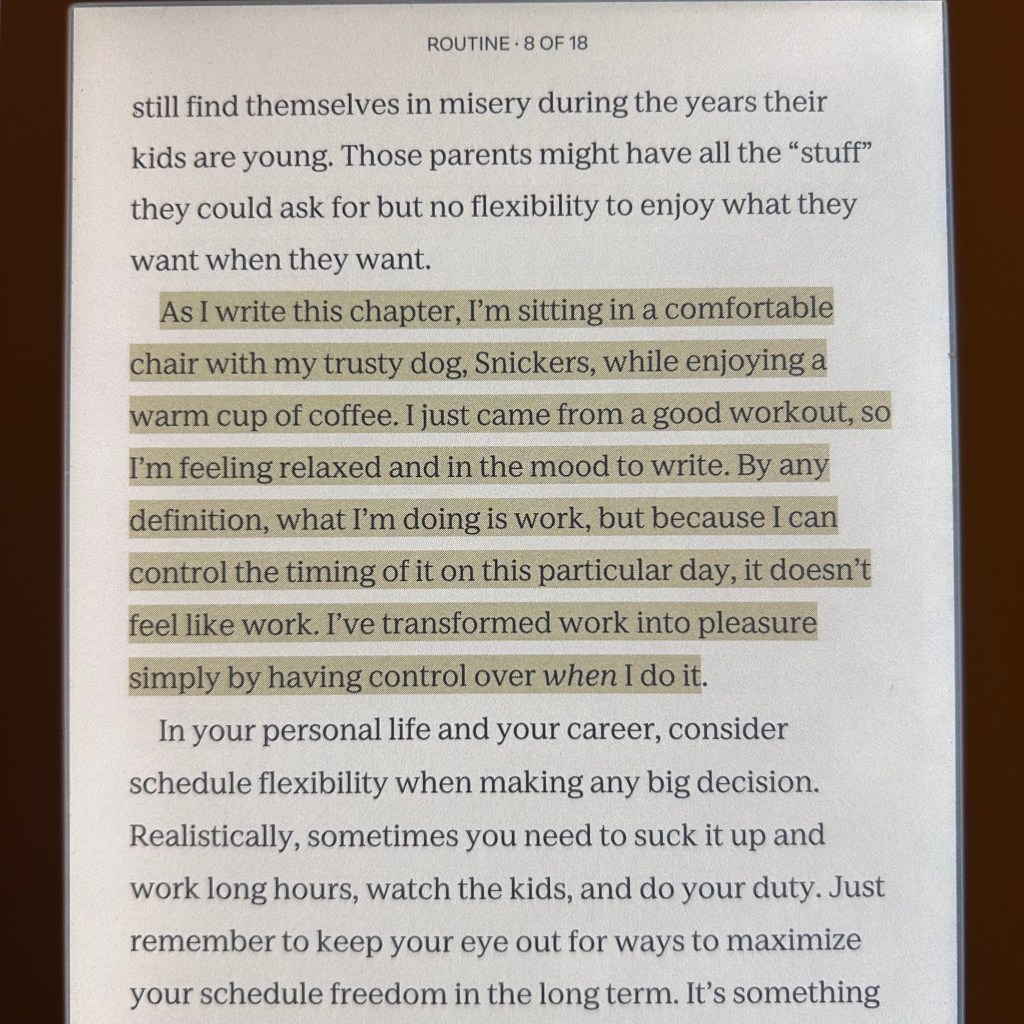
I’ve been reading this book these days, it has a section on “Happiness” that intersects with work, schedule and life – I found it interesting and I feel it’s relevant for both the arguments (work spilling over and not spilling over camp – it seems there’s no wrong approach and it ultimately depends on what works for you).
I’d leave it to you to read the highlighted parts below:
Oh, by the way, the first draft of this post was written in collaboration with Hermes during an evening walk 👾🚶♂️


 Ash Anant
Leave a comment